How to Watch
Movies & TV Shows
On Your TV
Cast directly from our playerwith iOS/Android/PC
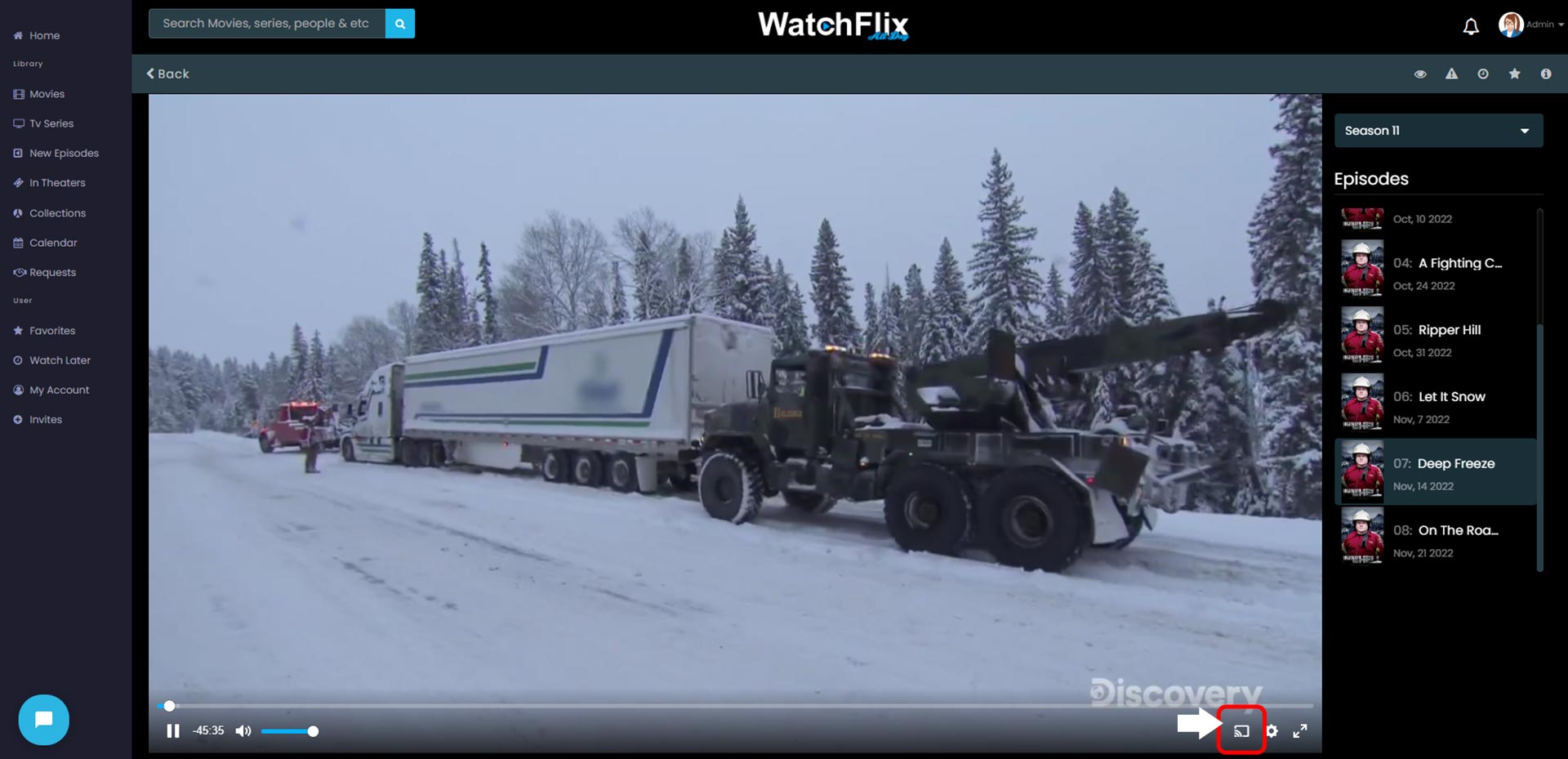
PC/Mac
On your PC/Mac device press the highlighted red button and select which device you would like to cast to.
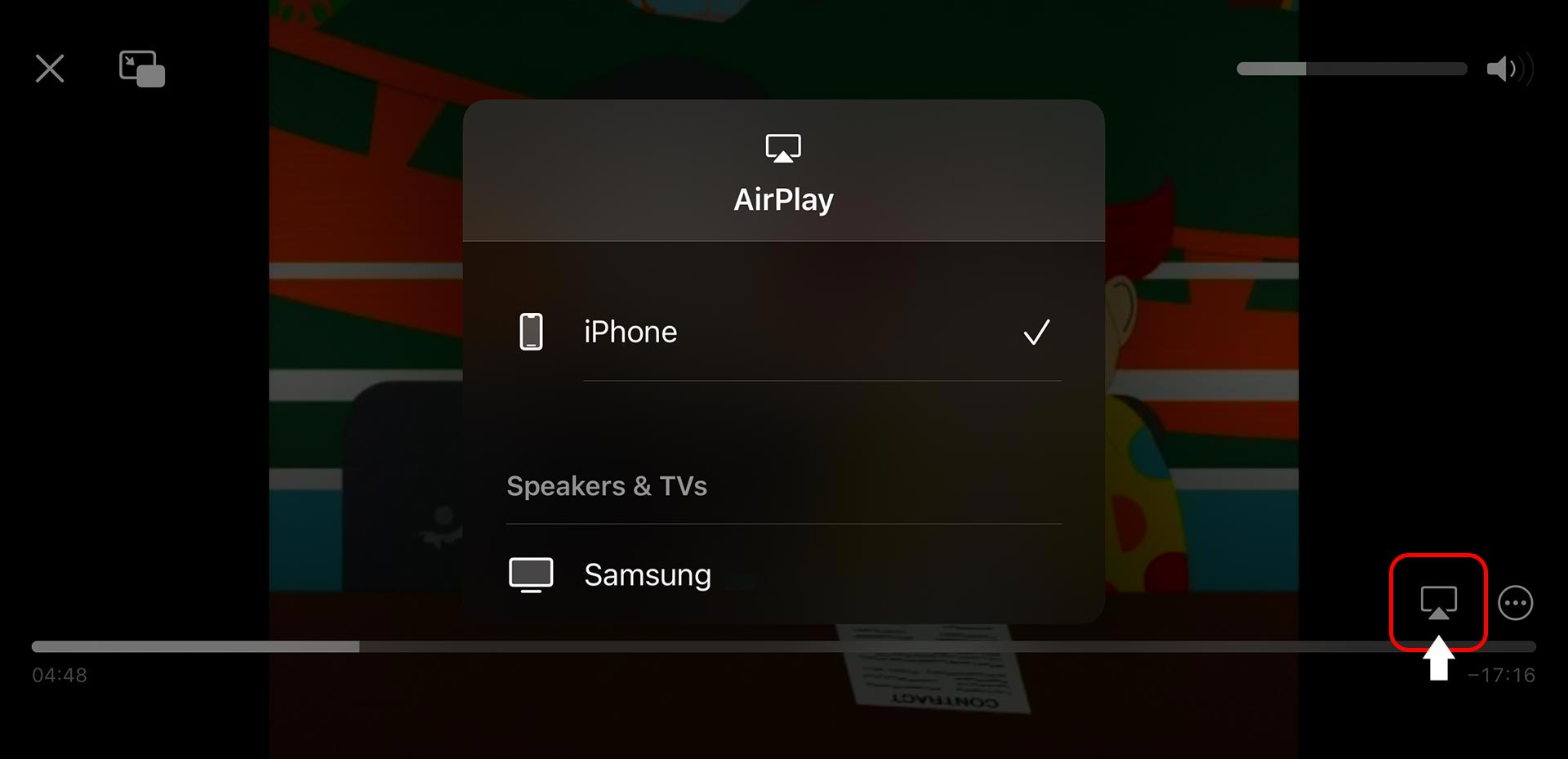
iOS/Android
On your iOS/Android device press the highlighted red button and select which device you would like to cast to.
Webcaster App
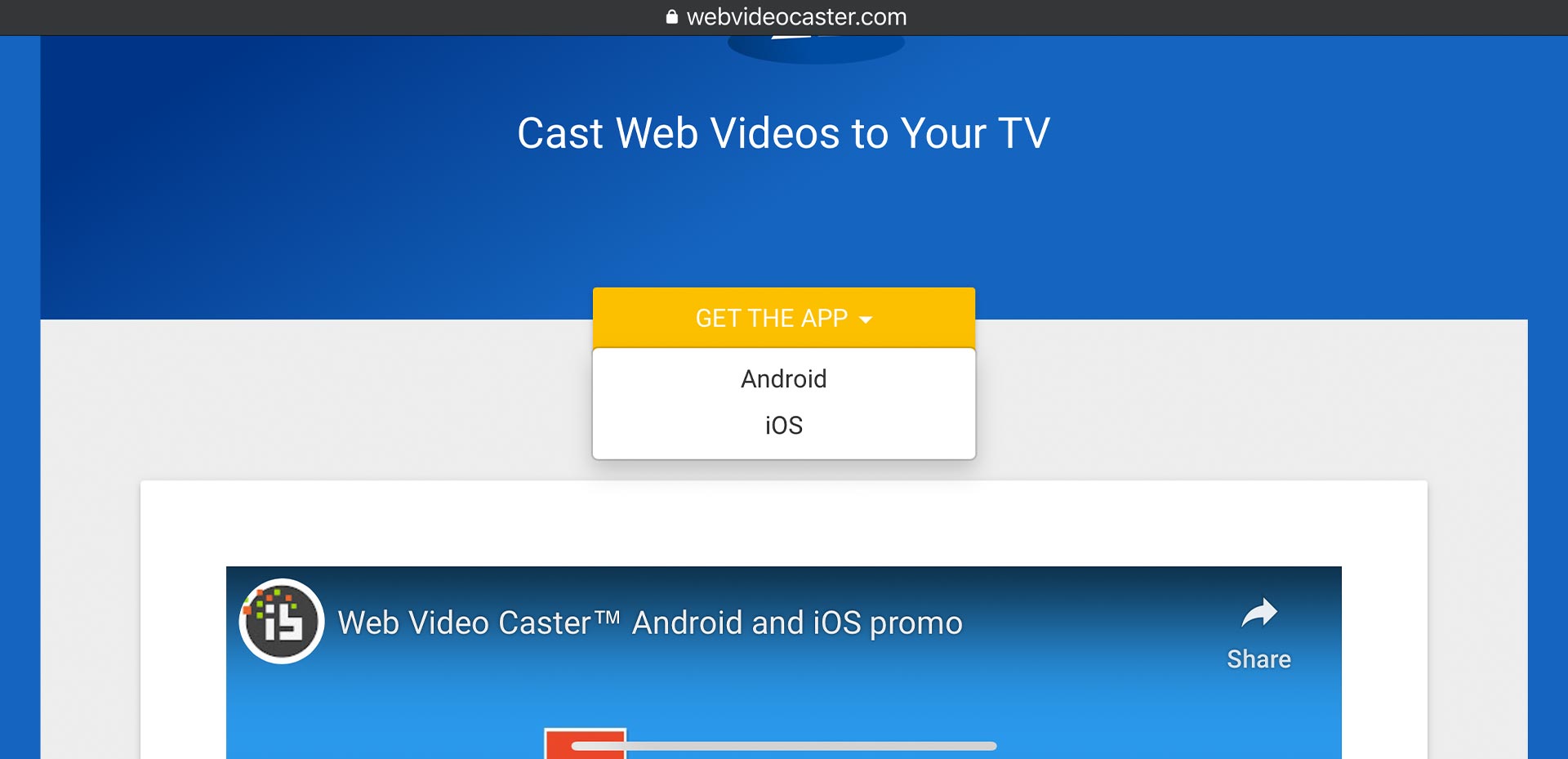
Step 1
Visit www.webvideocaster.com on your mobile device
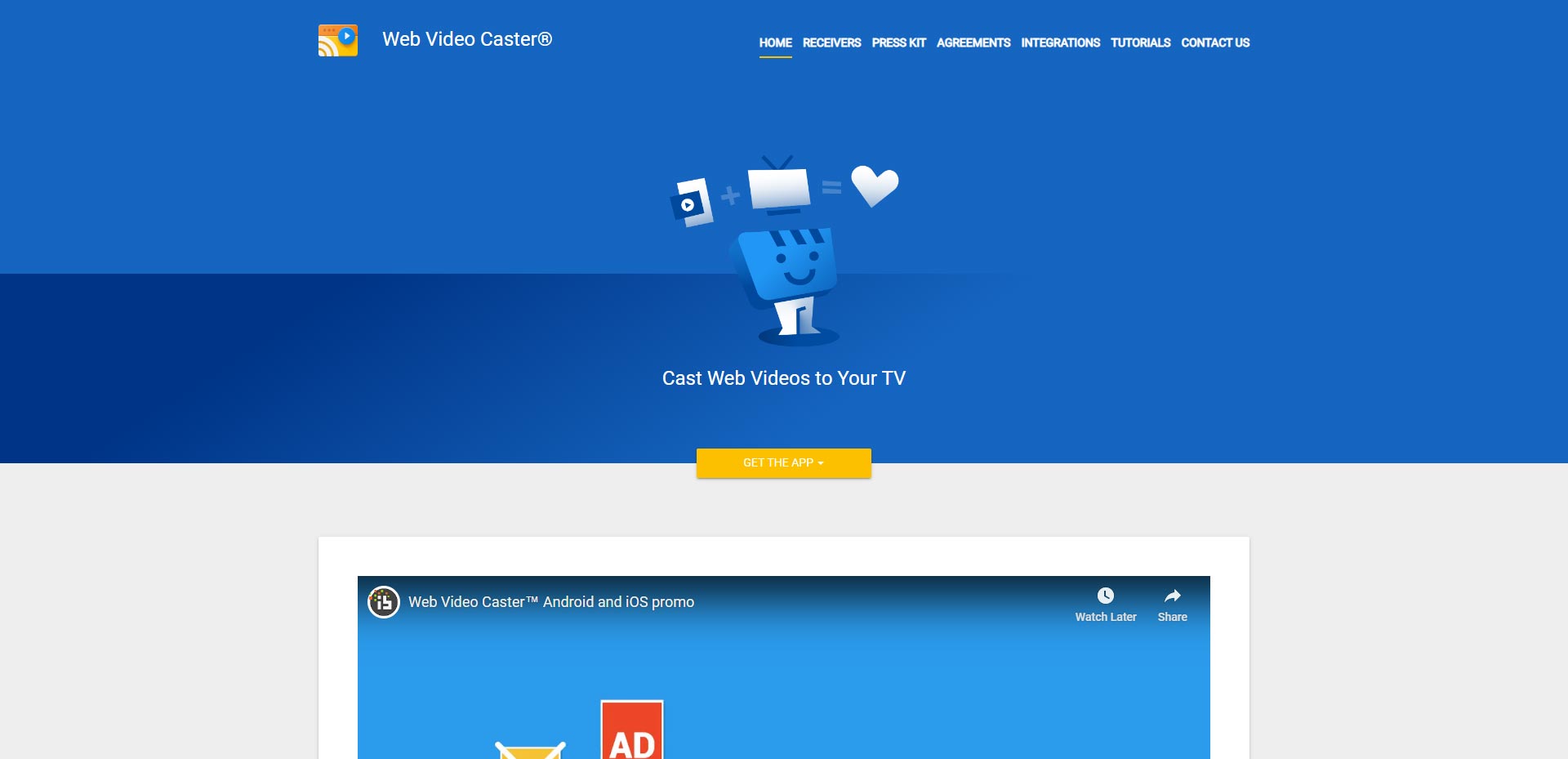
Step 2
In the “Get The App” Drop down select your mobile device OS.
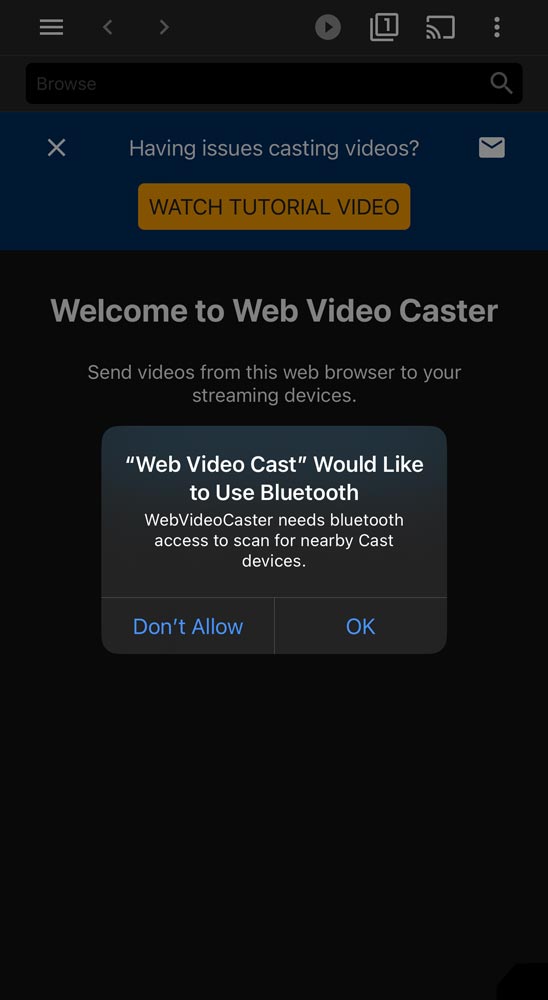
Step 3
When you launch the app for the first time you will be prompted to allow the app to use your bluetooth, make sure you press ok.
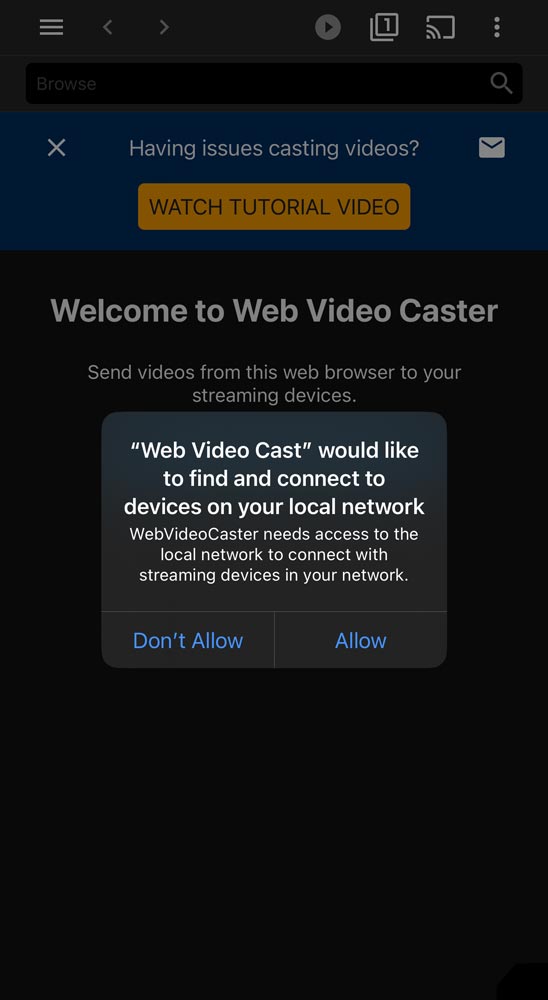
Step 4
you will get a second prompt to allow the app to connect yo your local network, make sure you press allow.
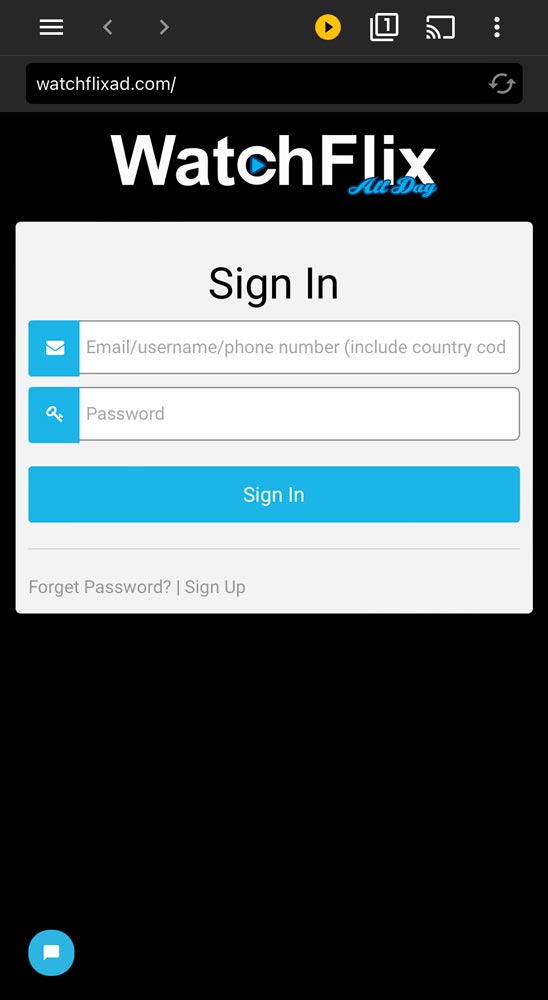
Step 5
After visit watchflixad.com by typing the URL in the “browse” bar. Once on the site log in to your account.
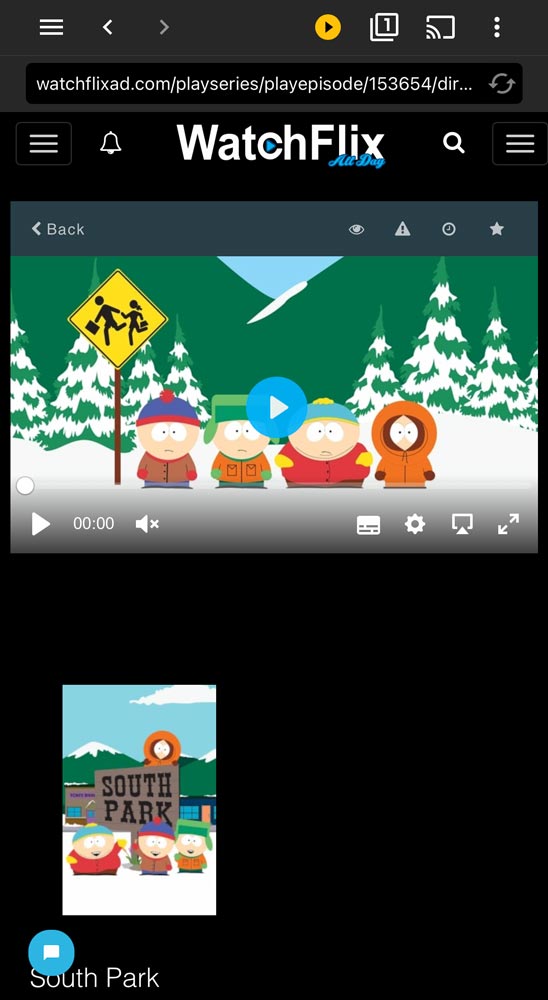
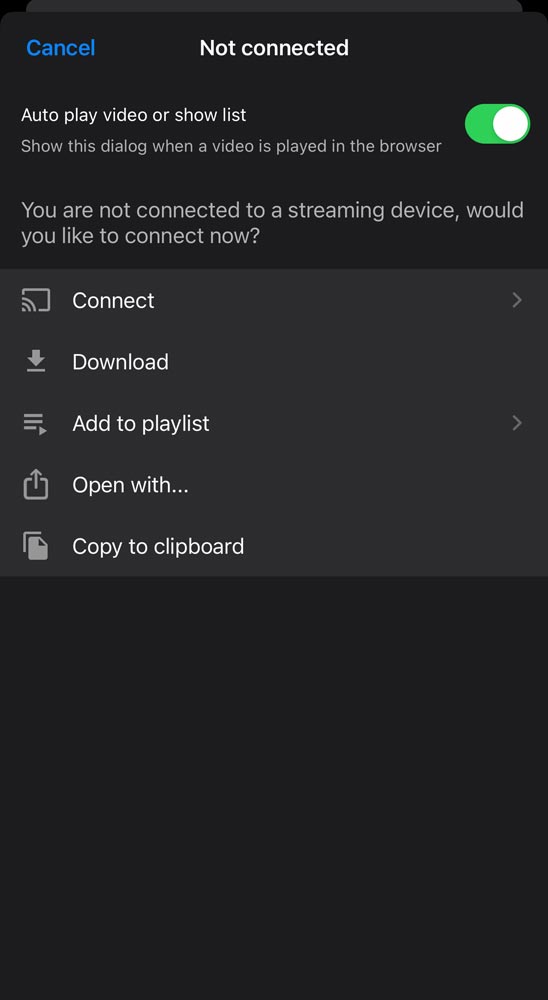
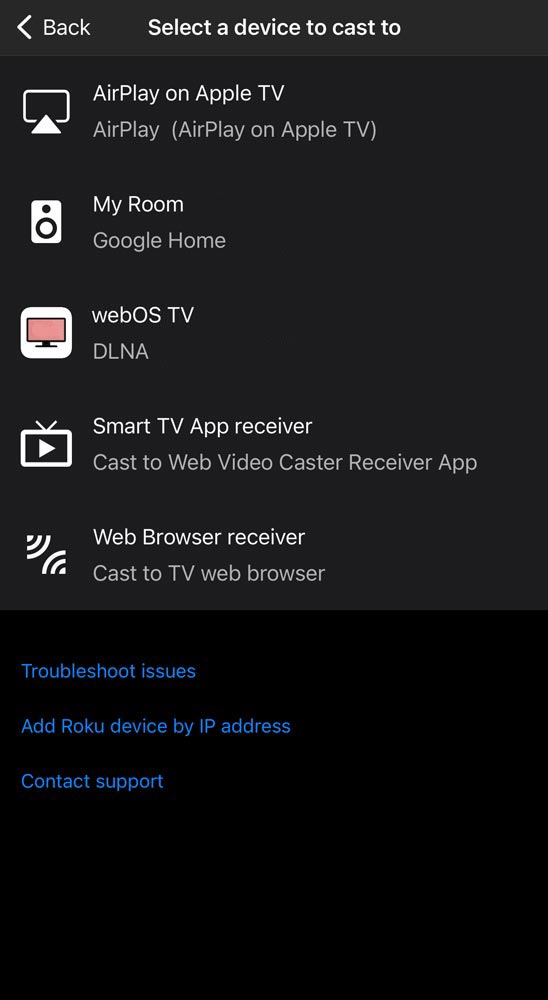
Still Need Help? Watch This Video Example To Learn More
Web Video Caster® allows you to watch on your TV videos from your favorite websites including movies, TV shows, live streams of news, sports, and IPTV. It also lets you cast local videos stored on your phone.